Technical Demos
Personal Projects
Hands-on projects built to explore new technologies, solidify core concepts, and experiment with different approaches to solving problems. These showcase how I learn, iterate, and apply technical skills in practice.



A browser-based graphics editor built to explore comprehensive UI interactions through a Canva/Figma-style interface. The project focuses on canvas editing, object manipulation, context-aware controls, and the kinds of interaction patterns that make visual tools feel responsive and usable.
What I focused on
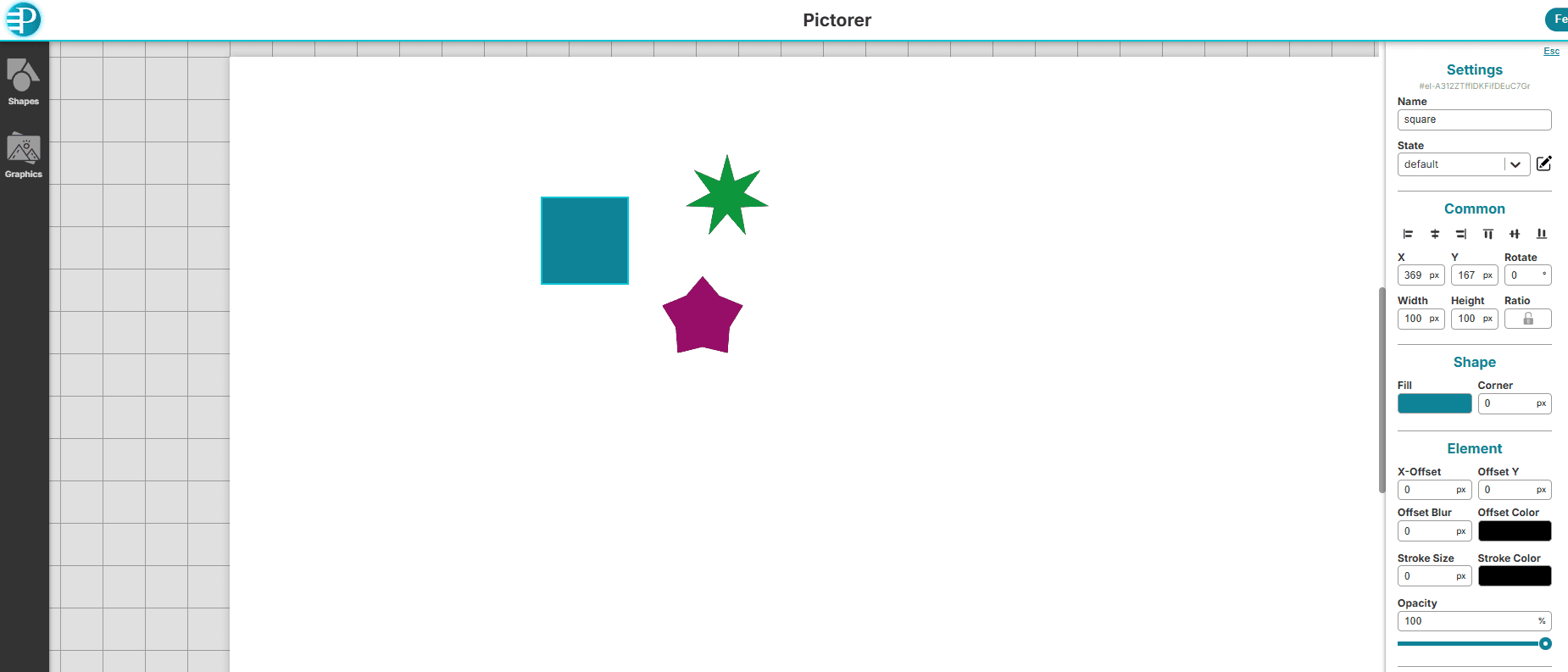
- Building a workspace and canvas model that supports zooming, panning, selection, and direct manipulation.
- Designing editor-style interactions such as drag, resize, grouping, context menus, keyboard shortcuts, and undo/redo.
- Creating a properties-driven editing workflow for visual styling, positioning, sizing, and canvas settings.
- Supporting object states so a single element can hold multiple visual variations and switch between them.


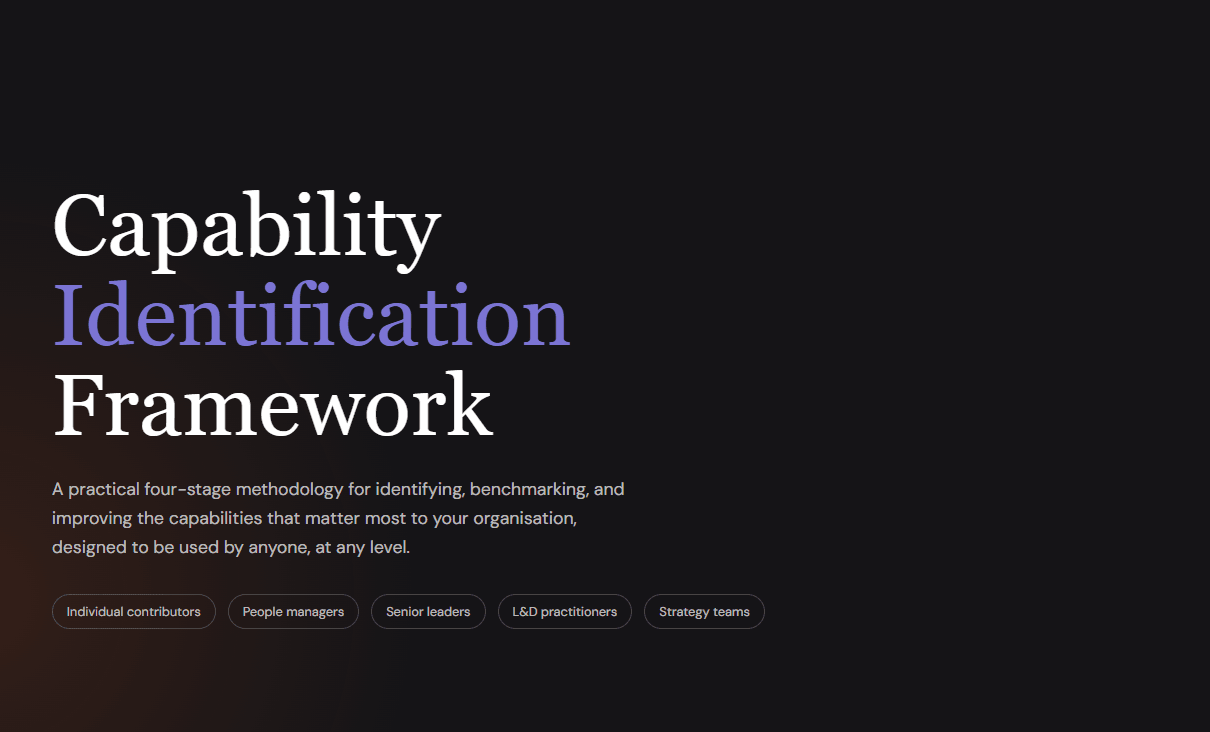
A long-form interactive report built from a capability framework I wrote a few years ago. The framework existed as a document. This gave me a way to get it out, and a fun project to try something new.
How it was built
This was my first project built entirely through 'vibe coding' using OpenAI Codex. Not a single line written by hand. The codebase was generated from a detailed written brief describing the framework content, the intended structure, and how I wanted it to feel as a reading experience.

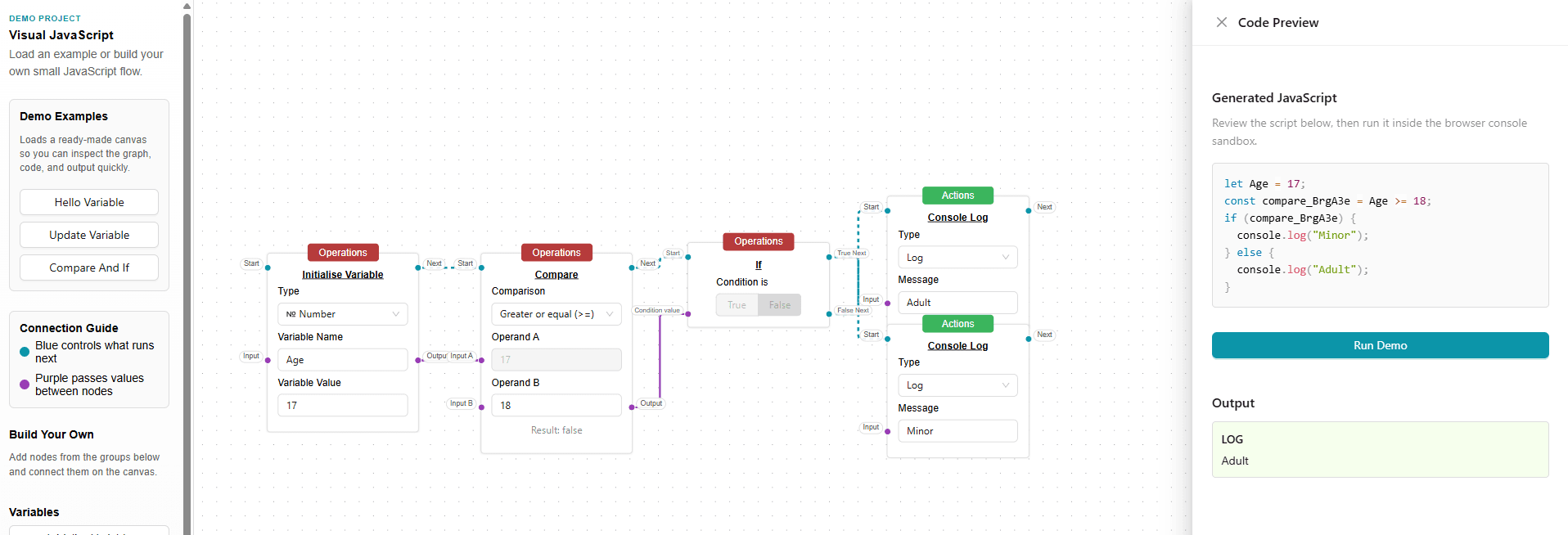
A browser-based tool for building executable JavaScript visually by connecting logic blocks together. Generates runnable code on the fly and executes it directly in the browser.
What I learned
Built to explore visual programming interfaces, state management, data flow modelling, and real-time code generation. The project tested how to make complex logic readable through UI alone while keeping the codebase structured and maintainable.


A portfolio and resume site built to practice modern React and Next.js patterns. Built with Next.js 16, React 19, TypeScript, Tailwind CSS, and shadcn/ui.
What I focused on
- Content separated from presentation - all data is typed TypeScript objects.
- Consistent component patterns across pages to keep complexity manageable.
- A shared tool registry to keep technology logos and labels consistent.
- Navigation derived from a single source, so new sections wire themselves up automatically.
What I learned
Up Next